You know the basics. Now master them. Learn advanced techniques like mockup integration, animation, and complex compositing to make your Cutout PNG Trendy Sticker Assets look incredible.
Introduction: From Functional to Phenomenal
Anyone can drag and drop a PNG onto a background. But to truly make your designs sing and stand out from the amateur crowd, you need to move beyond the basics. This article is for creators who are comfortable with Cutout PNG Trendy Sticker Assets and are ready to elevate their work to a professional tier. We’ll explore advanced techniques in software like Adobe Photoshop, After Effects, and Canva that will transform your static assets into dynamic, integrated, and breathtaking design elements.
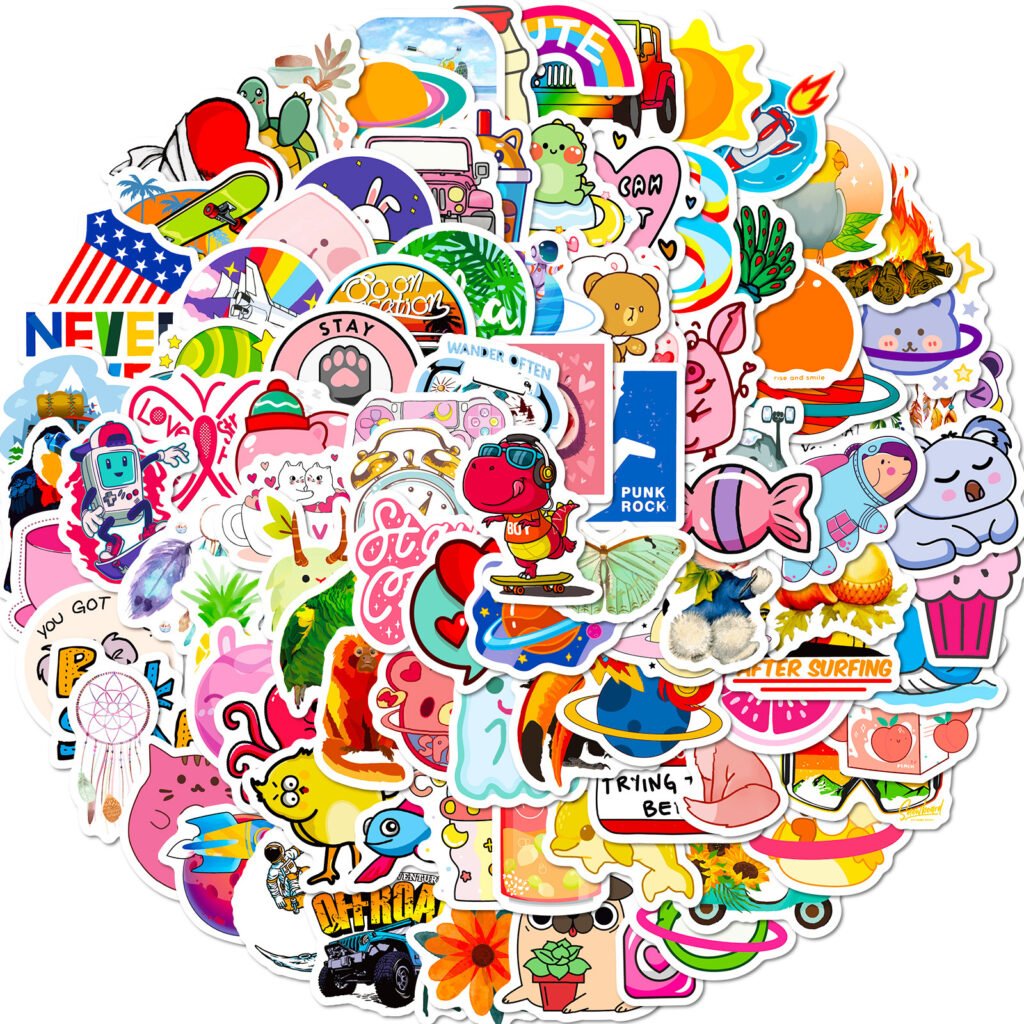
Advanced Technique 1: Seamless Mockup Integration
The key to making a sticker asset look like it truly belongs in a scene is mastering integration.
- Matching Lighting and Shadows: This is the most crucial step.
- Identify the light source in your background image.
- On your sticker asset layer, use the “Drop Shadow” layer style. But don’t stop with the defaults.
- Adjust the Angle to match the direction of the light in the photo.
- Adjust the Distance and Size based on how far the object is from the surface it’s “on” and the hardness of the light.
- For a more realistic effect, create a new layer beneath the asset, set it to “Multiply” blending mode, and use a soft, low-opacity black brush to paint in additional ambient shadows where the object touches the surface.
- Color Matching and Blending:
- Add a “Color Balance” or “Hue/Saturation” adjustment layer clipped to your sticker asset.
- Tweak the sliders to pick up the ambient color casts from the background image. For example, if the scene is warm sunset light, add a touch of yellow and red to your asset.
- Adding Texture and Noise: A clean, digital asset can look out of place on a textured, grainy photo.
- Apply a very slight “Noise” filter to your asset to match the film grain or digital noise of the background.
- If the background has a canvas or paper texture, use a layer mask with a textured brush to very subtly allow that texture to show through on your asset.
Advanced Technique 2: Dynamic Animation in After Effects
Bring your Cutout PNG Trendy Sticker Assets to life for video and social media.
- The “Float” Animation: Create a gentle, looping floating effect.
- Import your PNG into After Effects.
- In the Timeline, press ‘P’ for Position and ‘R’ for Rotation.
- Set keyframes for the position (move it up a few pixels) and rotation (rotate a few degrees) at the start of the timeline.
- Move forward in time, change the position and rotation values, and set new keyframes.
- Select all keyframes and apply the “Easy Ease” shortcut (F9) to smooth the motion.
- Finally, go to the Graph Editor and shape the speed graph into a smooth, continuous wave to create a seamless loop.
- The “Pop-On” Effect: Make assets appear with energy.
- Use the “Transform” effect and keyframe the Scale from 0% to 110% to 100% in a few frames.
- Add a subtle “Motion Blur” to make the scale-up feel faster and more dynamic.
Advanced Technique 3: Complex Layering and Compositing
Create rich, detailed scenes by thinking in 3D space.
- Creating Parallax for Fake Depth: For a video or animated GIF, separate your background and multiple sticker assets into different layers in After Effects.
- Move the layers at different speeds when the “camera” moves. Foreground assets move faster, background assets move slower.
- This simple technique creates an incredible illusion of depth and complexity from 2D assets.
- Blending Modes for Magic: Don’t just leave your assets on “Normal” blending mode.
- Try “Overlay” or “Soft Light” to make white elements glow and integrate with the colors beneath.
- “Multiply” is perfect for dark shadows or transferring an asset’s pattern onto a surface.
- Experiment with “Color Dodge” or “Screen” for creating vibrant, ethereal light effects.
Conclusion: Unleash the Full Potential
Mastering these advanced techniques transforms Cutout PNG Trendy Sticker Assets from simple clip-art into the core components of sophisticated, professional-grade visual content. The asset provides the form; your skill provides the function and the flair. Invest time in learning these methods, and you will unlock the full, phenomenal potential of your digital toolkit.